Evidence guide
How to Prove You Didn't Use AI: The Complete Evidence Guide.
The short answer
The strongest evidence is your writing-process record. Google Docs version history (Tools → Version history → See version history), Microsoft Word AutoSave timelines, and playback extensions like Draftback show dated, gradual edits — incompatible with the "pasted from ChatGPT in one step" pattern. Two named UC Davis cases were resolved when students showed time-stamped edit histories.
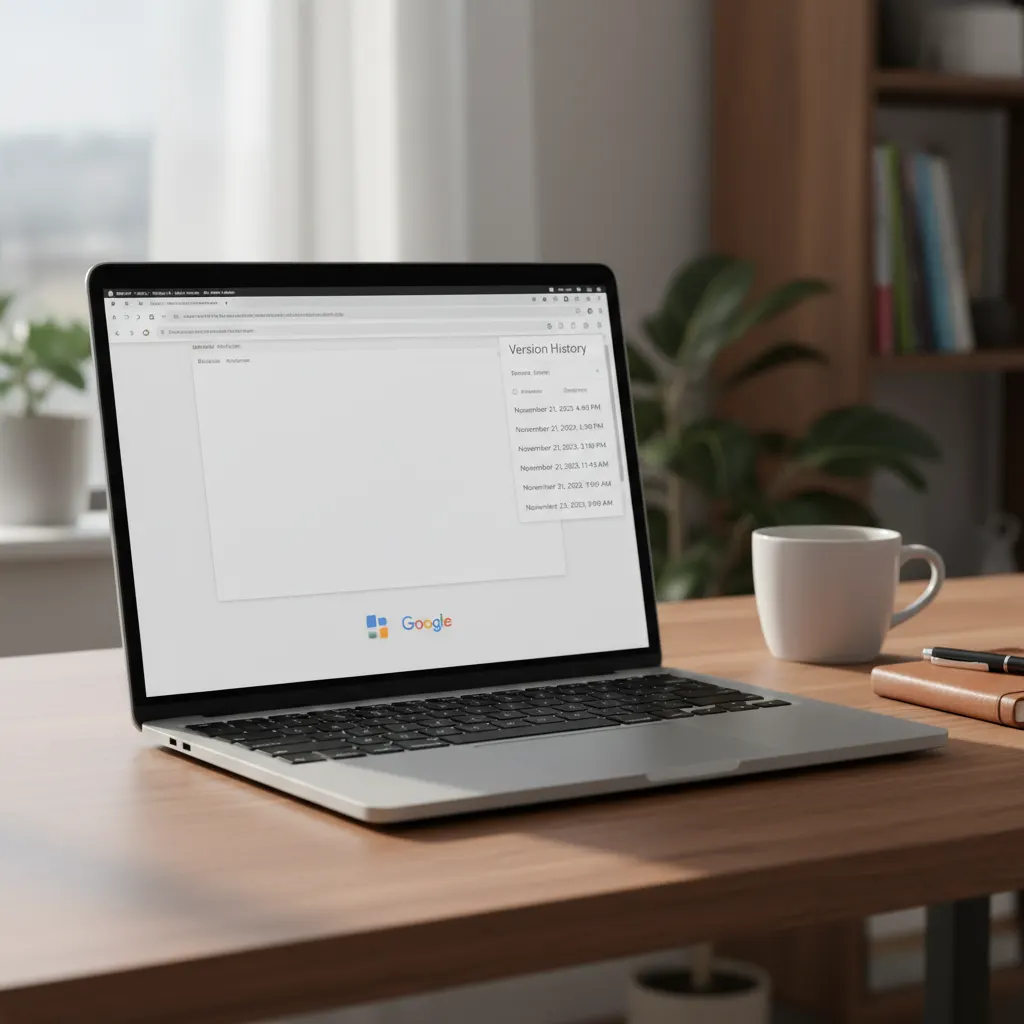
A bare denial does not work. An integrity panel cannot distinguish between an honest student saying "I didn't do it" and a dishonest one. The evidence that does work is the record of your writing process. This guide walks through the five strongest forms, ranked, with step-by-step instructions for the most common writing tools.
Jump to your tool: Google Docs · Word with OneDrive · Word offline · pen and paper
The five strongest forms of evidence, ranked
- Time-stamped version history — Google Docs, Microsoft Word (cloud save), Notion. The gold standard.
- Process playback — Draftback or Revision History extensions for Google Docs. A movie of your typing.
- File metadata — Created, Modified, Total Editing Time on the document file. Less detailed but courts and panels know how to read it.
- Handwritten notes, outlines, drafts — photographed with visible dates. Especially valuable for ESL students and writers who use longhand pre-drafts.
- Live oral defense — offering to walk a panel through how you wrote the paper, in person, with the document open. Reasonable institutions will accept this offer.
Google Docs — step by step
Most students writing online use Google Docs. The version-history panel is your single most important asset. (For how to present it so a panel believes it — freezing the doc, playback, the paste problem — see the version-history evidence deep dive.)
- Open the document. Click
Toolsin the menu bar. - Click
Version history → See version history. A panel opens on the right showing dated versions of your document. - Take a full-page screenshot of the panel. On macOS:
Cmd + Shift + 4then drag. On Windows: Snipping Tool orWin + Shift + S. - Click into a few specific dated versions and screenshot those too. The panel shows what changed at each step.
- Do not edit the document further until your case is resolved. Each new edit creates a new version, which can complicate the timeline.
- Optional but recommended: install Draftback or Revision History from the Chrome Web Store. These extensions play back your typing as a movie — extremely persuasive in front of a panel.
Microsoft Word (with cloud save / OneDrive) — step by step
- Open the document.
File → Info → Version History. - Take a full-page screenshot of the panel.
- Open
File → Info → Properties → Advanced Properties. Note the Total Editing Time field (minutes of active editing) and Created / Modified dates. - Download a copy of the document to your local drive as a separate file, so you have an offline backup.
- Stop editing the document until your case is resolved.
Microsoft Word (offline) — step by step
Offline Word is harder but not hopeless.
- Open the document.
File → Info → Properties → Advanced Properties. Screenshot the panel, with attention to Total Editing Time, Created, Modified, and the Author field. - In your operating system, right-click the file. On Windows:
Properties → Details. On macOS:Get Info. Screenshot both. - Check AutoRecover. Word saves recovery files at intervals; the folder is:
- Windows:
%AppData%\Microsoft\Word\ - macOS:
~/Library/Containers/com.microsoft.Word/Data/Library/Preferences/AutoRecovery
- Windows:
- Any older recovery files become exhibits.
Notion, Scrivener, Obsidian — step by step
Notion: open the page, click the ··· menu, choose Page history. Screenshot every visible version. Scrivener: File → Backup → Backup To and save the timestamped backup. Obsidian: if you use the File Recovery core plugin, snapshots are stored locally.
Pen-and-paper writers — step by step
Handwritten evidence is undervalued. Many ESL students and humanities students draft on paper first. The fact that you have handwritten notes is itself nearly impossible to fabricate.
- Photograph every page of notes, outline, and drafts. Use good light. Capture a visible date on at least one page in each session (today's newspaper, a phone clock, a dated piece of mail).
- Modern phones embed timestamps in photo metadata. Do not edit the photos.
- Label each photo set: "Session 1 — March 14 evening, kitchen table." A label is not proof, but it organizes your story.
- If you transcribed handwritten notes into a digital file, screenshot the file's creation metadata.
Browser history and email
Your browser history for the days you were working on the paper is corroborating evidence. Chrome: chrome://history/. Safari: History → Show All History. Firefox: Library → History → Show All History. Export the history for the relevant dates. Library databases, JSTOR, Google Scholar, and similar visits each become a small data point.
Emails you sent to yourself — drafts, links, "send me this article" — are also dated process evidence. So are messages to a friend or family member where you discussed the assignment.
The chronology document
Sit down with all of this evidence and write a one-page narrative: when you started, where you were, what you did first, what you did next, when you stopped. This is the thread the panel will follow. The exhibits hang from the thread.
What the named cases tell us
William Quarterman at UC Davis was cleared with two to three hours of time-stamped Google Docs edit history after his exam essay was flagged. Louise Stivers, also at UC Davis, was cleared with Google Docs version-history timestamps. The Adelphi University ruling in favor of Orion Newby (February 2026) cited deficiencies in the evidence the university had relied on. Process evidence works in named cases. Make yours specific, dated, and complete.
Frequently asked
Does Google Docs version history really hold up as proof?
Yes. It cleared at least two named UC Davis students.
The version-history panel shows dated, gradual edits — which is incompatible with the 'pasted from ChatGPT in one step' pattern an integrity panel will be looking for. Quarterman (UC Davis) was cleared with two to three hours of time-stamped edits. Stivers (UC Davis) used the same evidence. Take a full-page screenshot of the panel and stop editing the document.
What if I wrote in Microsoft Word offline?
Look at Properties → Advanced. The Total Editing Time field is your friend.
File → Info → Properties → Advanced Properties shows Total Editing Time in minutes. Also check the AutoRecover folder — on Windows: %AppData%/Microsoft/Word/; on macOS: ~/Library/Containers/com.microsoft.Word/Data/Library/Preferences/AutoRecovery/. If cloud sync was on (OneDrive), check the cloud-side version history too.
Can I record my screen going forward?
Yes — and many students are now doing this for high-stakes assignments.
macOS: Screenshot.app (built in) does screen recording. Windows: Game Bar with Win + G. Loom is free for short clips. Keep recordings somewhere they will not be auto-deleted (not Trash, not a temp folder). The recording does not need to capture audio; the visual record of your typing is the point.
Is a handwritten outline valid evidence?
Yes — photograph every page with a visible date.
Marginal notes, crossings-out, sequential revisions, and changes of mind are the evidence that you were thinking on the page. Photograph each page in good light with a date visible (today's newspaper or a phone clock works). Save the photo metadata too — modern phones write a timestamp into the image file.
What if I only have the final file?
Look at metadata. On Windows: Properties → Details. On macOS: Get Info.
Final-file-only is the hardest case but not hopeless. The file's Created and Modified dates, total editing time (if Word), and Author field all carry information. Check cloud-sync history (Dropbox, OneDrive, iCloud Drive) — many services keep 30 days of older versions even after you 'overwrite' a file. Email drafts you sent to yourself are also evidence.